Which fields should a contact form have?
 Damian Baranowski, websites for small businesses
Published:
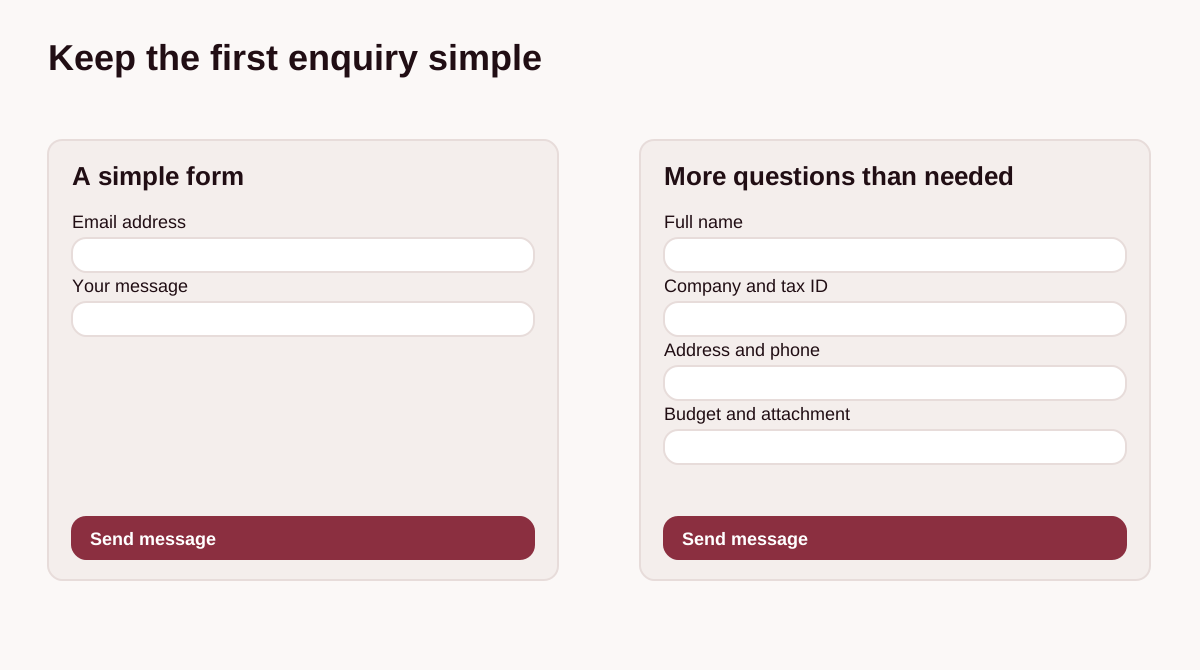
Which fields does a simple contact form on a small business website need? Two or three elements can be enough: a way to reply (email or phone), a message, and optionally a name. Every extra field asks the customer to do more, so add it only when it helps you handle the enquiry.
A form should start a conversation, rather than feel like official paperwork. Asking for a phone number, tax ID, company address and budget straight away rarely makes sense. You can see a simple, clear layout on the contact page and in the guide to a simple contact form.
Which fields should a contact form have?
Choose only the fields you actually need to reply or take the next step. Before adding another box, ask yourself: could I answer this enquiry without that information?
Name or company name
A name makes it easier to write a friendly, personal reply. You do not need to require a full surname for a simple question about a service. In a business-to-business form, you can add a company name field, but it is usually best left optional.
Email address or phone number
Choose a contact method that fits the way you work. Email is useful for collecting details, sharing links or preparing an initial quote. A phone number can help with urgent services or when a quick conversation saves several messages.
Do not require both contact details unless there is a clear reason. If a phone number is optional, add a short explanation such as: “Leave your number if you would prefer a call.”
Subject
A short dropdown with options such as “Quote”, “Technical support” and “Other” can help you organise incoming messages. If you receive only a few enquiries each week, you may not need this field at all; leave it optional or remove it.
Message
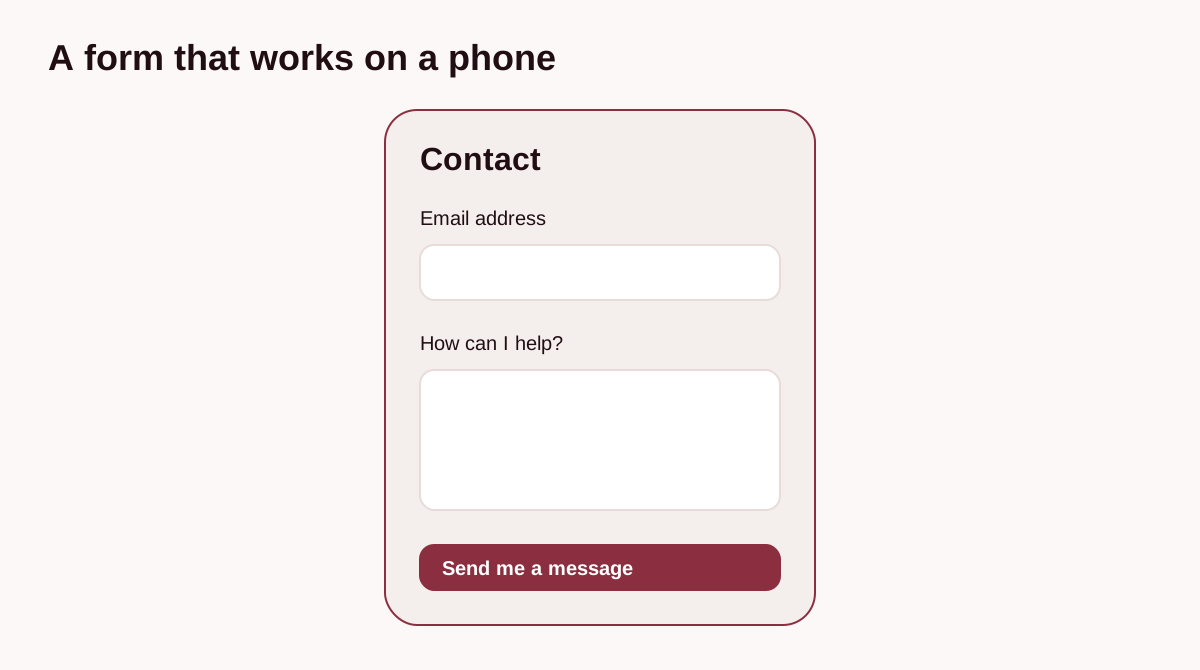
This is the heart of the form. Instead of a plain “Message” label, you can ask “How can I help?” or “Briefly tell me what you need”. Do not impose an arbitrary minimum length if a short message is enough to start a conversation.
Consent and privacy information
An ordinary email enquiry does not always need a separate consent checkbox. Establish the purpose and legal basis for processing the data, and make the privacy information available beside the form. Treat a newsletter subscription as a separate purpose, not a condition of sending a question.
How do you match fields to the purpose of a form?
A general contact form should be short and make it easy to ask a question. A more detailed form makes sense when you need specific information to prepare a quote.
- General enquiries: email or phone, a message, and optionally a name and subject.
- Quote requests: contact details, company name, a description of the work and the preferred start date, if known.
- Customer support: email, a brief description of the issue, and an order or invoice number.
- Complaints or returns: order number, customer details, a description of the issue and an option to attach a photo.
- B2B partnerships: company name, website address, contact person and a short partnership proposal.
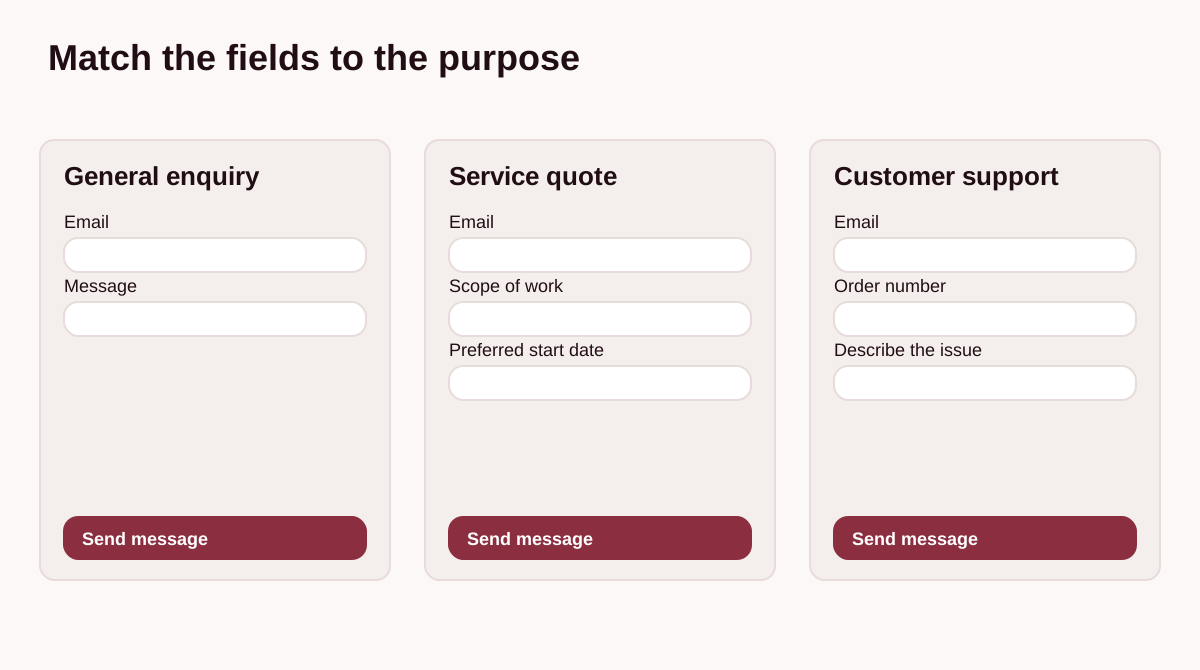
If someone is asking about a basic service, do not make them complete a long brief. Put detailed questions in a separate form with conditional fields, so relevant questions appear only after the person selects a category.
Which fields should be required or optional?
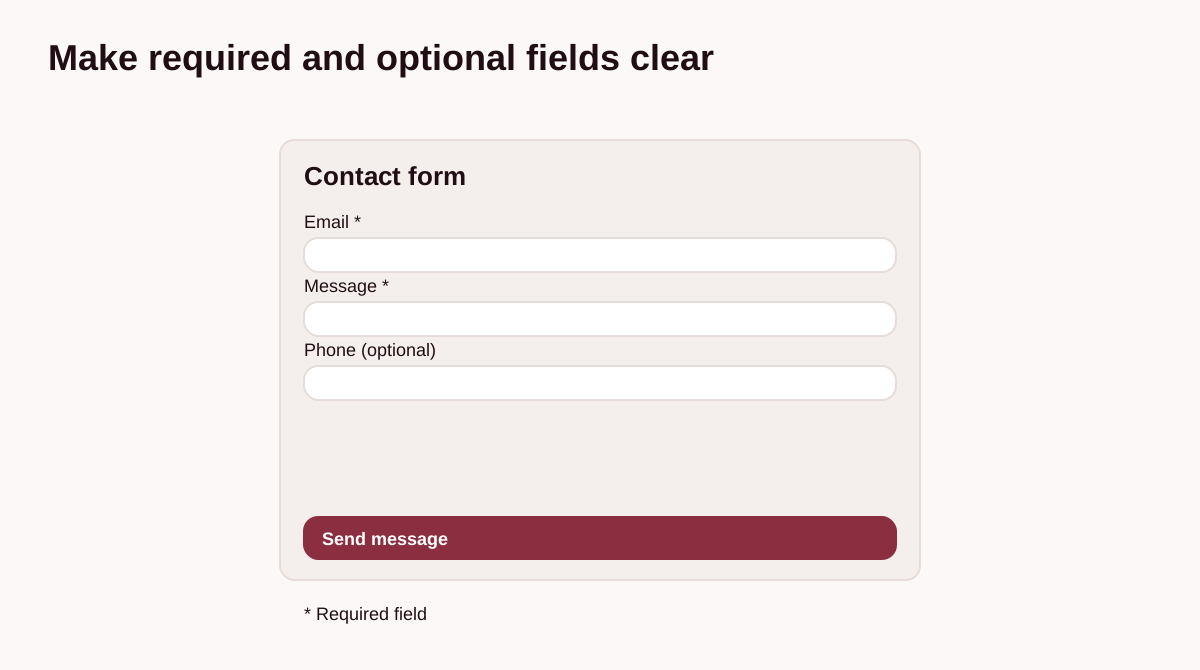
Make a field required only if you cannot respond without it. Usually, that means one way to reply and the message itself. Details such as a name, company name, additional phone number, budget or preferred date are often best left optional.
Requiring a phone number, email, full address and tax ID together can make a first enquiry unnecessarily difficult. Check which details you really need at this stage.
When should you add a phone number?
Require a phone number only when your service genuinely needs an immediate response, such as roadside assistance or urgent repairs. Otherwise, give the customer a choice.
When should you ask about budget and timing?
Budget and timing questions are useful when quoting for larger projects. Rather than requiring an exact amount, offer broad ranges or an “I am not sure yet” option. People exploring their options may not know typical prices.
How long should a form be?
For a small business, a form with three or four fields can be a useful starting point. Match the number of questions to the purpose: each extra field should help you prepare a reply or a quote.
If you need to ask more questions, split the form into steps or use conditional fields. The person first selects a general topic and then sees questions related to that choice. This avoids presenting a long list of fields all at once.
What should form fields look like?
Keep the layout clear and readable, ideally with a light background and distinct field borders. Make sure the text has good contrast and the submit button is easy to see.
- Keep labels visible above the fields. Placeholder text inside a field should not replace its name, because it disappears as the person types.
- The message field should display at least a few lines without making the reader scroll constantly.
- An error message should explain what to fix, for example: “Enter a valid address in the format name@example.com.”
- A submit button is clearer when it describes an action: “Send me a message”, “Ask a question” or “Request a quote”.
- After submission, show a clear confirmation such as: “Thanks for your message. I will reply as soon as I can.”
Test the whole form on a phone. Fields should be easy to tap, the keyboard should not hide the submit button, and the phone field should open a phone-friendly keyboard.
What privacy information should you include?
The information and legal basis needed depend on the purpose of the form. A customer making the first contact does not remove the need to establish a legal basis and provide the required information. A short notice can link to full privacy information, but three sentences are not a universal template.
A separate, unticked checkbox is needed if you also want to subscribe someone to a mailing list or send promotional material. Marketing consent must not be a condition of sending an ordinary enquiry.
You can find more practical guidance in the article on contact forms and the GDPR.
How do you test a form?
After launch, regularly check that messages reach your inbox and do not end up in spam. If people visit your contact page but nobody sends a message, possible causes include too many questions, awkward mobile fields or a technical problem.
You can compare two approaches: a minimal version with just email and a message, and a version that also asks for a phone number or subject. Look beyond the number of submissions: consider their quality and how many lead to useful conversations or actual work.
How can you reduce spam?
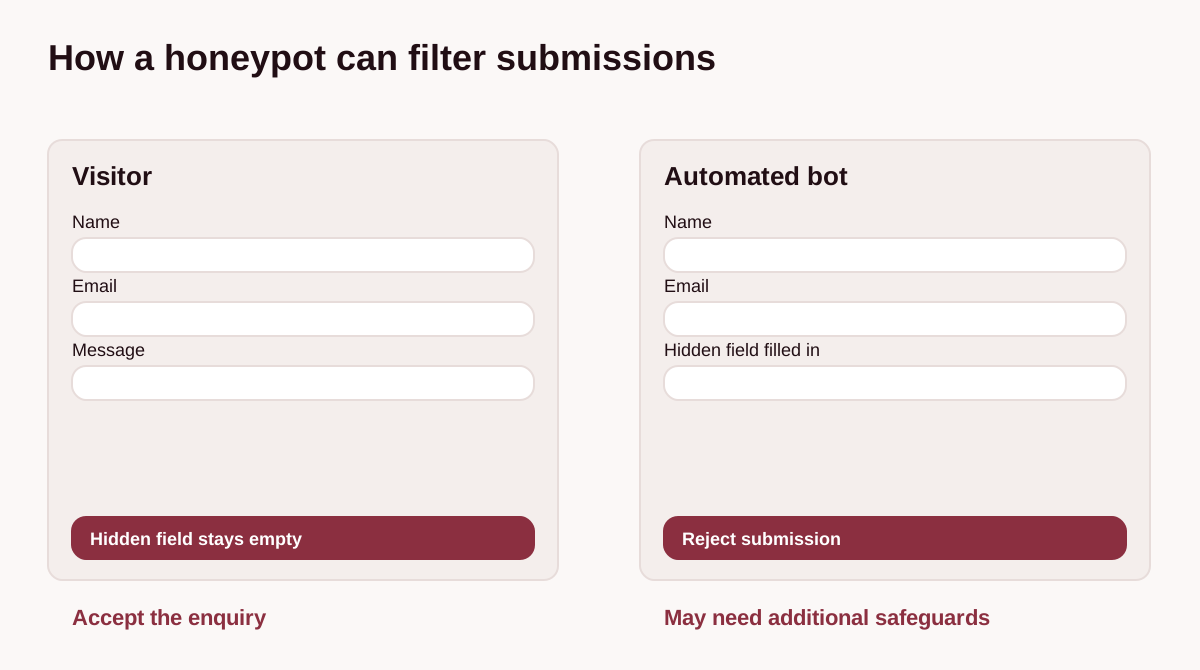
You do not have to make customers solve image puzzles or decipher distorted CAPTCHA letters. One available method is a hidden protective field, known as a honeypot. It will not stop every bot and may need additional safeguards.
The field is hidden from people using the page, but some automated bots may fill it in. If a submission arrives with that field completed, the server can reject it. This can reduce unwanted messages without adding a task for your customers.
Need a form on your website?
Tell me what kinds of enquiries you want to receive. I can help you choose the fields and check how messages reach you.
Tell me what you needSources and editorial notes
The graphics are illustrations, not client projects. The privacy section provides general information, not legal advice. Sources checked on 24 October 2026.